
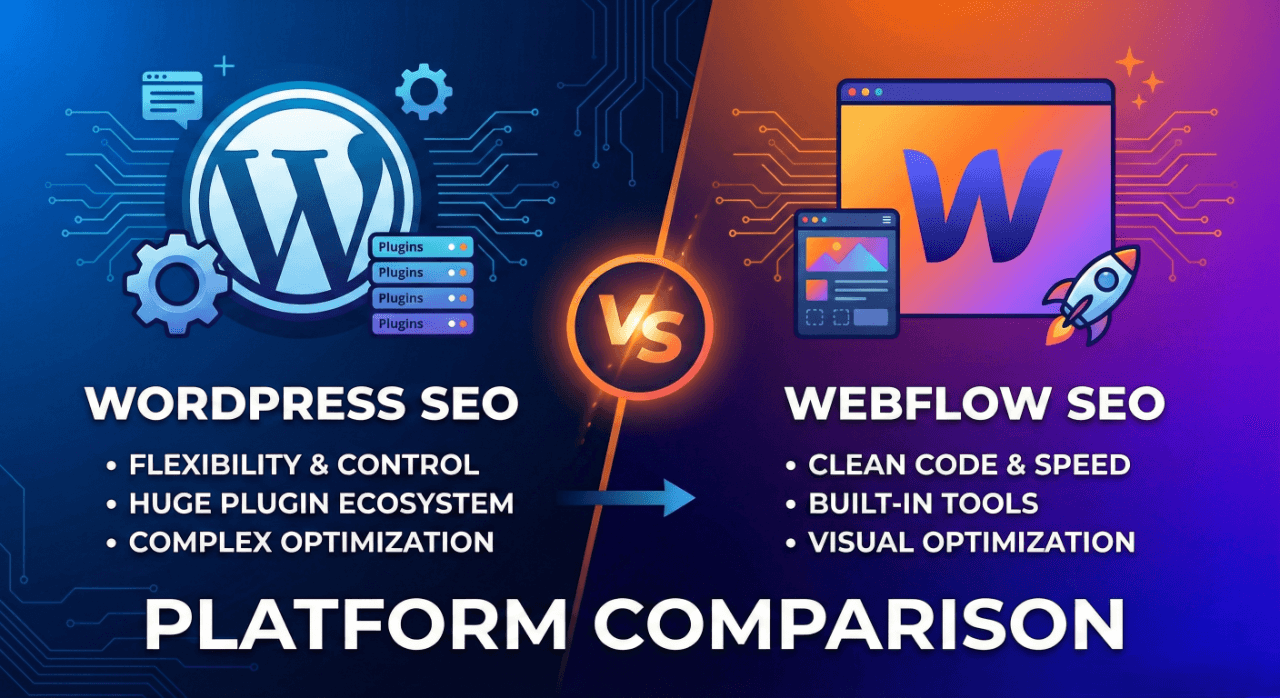
WordPress vs Webflow for SEO | Platform Comparison
Choosing between WordPress and Webflow affects your SEO capabilities, development costs, and long-term flexibility. Here's what matters for business websites.
WordPress vs Webflow: Quick Comparison
WordPress is a content management system requiring hosting. You control everything but manage technical details yourself or hire developers.
Webflow is an all-in-one platform combining hosting, design tools, and CMS. Easier to use but less flexible for complex requirements.
Neither platform inherently ranks better. SEO depends on implementation, not platform choice.
SEO Capabilities Comparison
WordPress SEO strengths:
- Complete control over technical elements
- Extensive SEO plugins (Yoast, Rank Math, SEOPress)
- Custom schema markup implementation
- Advanced internal linking capabilities
- Unlimited page types and custom fields
Webflow SEO strengths:
- Clean code by default
- Fast loading speeds out-of-box
- Built-in SEO fields (no plugins needed)
- Automatic image optimisation
- Reliable hosting infrastructure
The reality: Both platforms can achieve excellent SEO. WordPress requires more setup but offers more control. Webflow works immediately but limits advanced customisation.
For complex content strategies requiring topical maps with hundreds of pages, WordPress's flexibility wins. For simple business sites (10-50 pages), Webflow's simplicity works well.
Technical SEO Considerations
Page speed:
- Webflow sites typically load faster initially
- WordPress sites require optimisation (caching, image compression)
- Both can achieve excellent Core Web Vitals scores
Mobile optimisation:
- Both platforms create responsive designs
- Webflow enforces responsive design by default
- WordPress depends on theme quality
Schema markup:
- WordPress plugins automate schema implementation
- Webflow requires manual schema addition
- Both support all schema types
URL structure:
- WordPress offers complete control over URL patterns
- Webflow allows customisation with some limitations
- Both support clean, SEO-friendly URLs
Content Management Comparison
WordPress advantages:
- Unlimited custom post types
- Advanced custom fields for complex content
- Bulk editing capabilities
- Extensive content migration tools
- Multiple user roles and permissions
Webflow advantages:
- Visual content editing (WYSIWYG)
- No plugin conflicts or updates
- Faster content publishing workflow
- Built-in staging environment
For content-heavy sites requiring frequent publishing (blogs, news sites, extensive service portfolios), WordPress's content management depth wins.
For design-focused sites prioritising visual control over content volume, Webflow's interface works better.
E-Commerce: WooCommerce vs Shopify
Different question from WordPress vs Webflow, but often asked together.
WooCommerce (WordPress) advantages:
- Complete product data control for SEO
- Unlimited products without extra fees
- Custom checkout flows
- Flexible product taxonomies
- Content marketing integration
WooCommerce or Shopify? Choose WooCommerce if you need content marketing integration, complete data control, or complex product variations. Choose Shopify if you prioritise ease-of-use, reliable hosting, or have limited technical resources.
Shopify advantages:
- Easier setup and management
- Reliable, fast hosting included
- Better mobile shopping experience
- Integrated payment processing
- Superior inventory management
SEO perspective: WooCommerce allows more granular optimisation. Shopify works well for most e-commerce SEO but limits advanced customisation.
For businesses selling 100+ products whilst running content marketing, WooCommerce integrates better. For pure product retail prioritising ease-of-use, Shopify simplifies operations.
Development and Maintenance Costs
WordPress costs:
- Hosting: £5-50/month depending on quality
- Theme: £0-100 one-time (or custom development)
- Plugins: £0-300/year for premium tools
- Security/updates: DIY or £50-200/month for management
- Developer costs: £50-100/hour for customisation
Webflow costs:
- Hosting: Included in £14-39/month site plans
- CMS: Included (no separate plugin costs)
- E-commerce: £29-212/month depending on sales volume
- Updates: Automatic (no maintenance costs)
- Developer costs: £60-120/hour for Webflow specialists
Total 3-year cost:
- Basic WordPress site: £1,000-3,000
- Basic Webflow site: £500-1,500
- Complex WordPress site: £5,000-20,000+
- Complex Webflow site: £2,000-8,000
WordPress becomes more cost-effective at scale. Webflow costs stay predictable.
Which Platform for SEO-Focused Businesses?
Choose WordPress if:
- You need complete technical control
- You're building extensive content (100+ pages)
- You require complex functionality or integrations
- You have development resources or budget
- You want maximum long-term flexibility
Choose Webflow if:
- You prioritise design control and ease-of-use
- You need fast setup with minimal technical knowledge
- Your site remains relatively simple (under 100 pages)
- You want predictable costs and zero maintenance
- You value built-in hosting and security
For local service businesses (10-30 pages), either works. Webflow is easier initially. WordPress offers more long-term flexibility.
For consultancies and agencies requiring content authority through extensive publishing, WordPress's content management depth justifies the complexity.
WordPress SEO Experts in UK
Need help optimising WordPress for SEO? Many UK agencies specialise in WordPress, but few focus on semantic SEO methodology.
WordPress SEO experts in UK should demonstrate:
- Technical audit capabilities beyond plugin recommendations
- Content strategy expertise (topical mapping, not keyword stuffing)
- On-page optimisation understanding semantic completeness
- Performance optimisation delivering fast Core Web Vitals scores
Most "WordPress SEO experts" install Yoast and make basic changes. Genuine expertise includes technical SEO audits, custom schema implementation, and strategic content architecture.
I work with WordPress sites requiring advanced SEO beyond plugin capabilities. If you need strategic WordPress optimisation in Reading, Berkshire, or remotely across UK, contact me.
Migration Considerations
Switching platforms affects SEO temporarily. Expect:
- 2-4 weeks ranking volatility
- Temporary traffic dips (10-30%)
- Recovery within 6-12 weeks with proper migration
Website migration checklist essentials:
- Crawl existing site and export all URLs
- Map old URLs to new URLs (1:1 mapping)
- Implement 301 redirects for every URL
- Migrate all content including metadata
- Preserve internal linking structure
- Submit updated sitemap to Search Console
- Monitor rankings and traffic daily for 4 weeks
Need help? SEO migration agencies should provide comprehensive migration planning preventing ranking loss.
The Real Answer
Platform choice matters less than implementation quality. Poor WordPress SEO underperforms excellent Webflow SEO, and vice versa.
Focus on:
- Comprehensive content covering your topic space
- Technical excellence (speed, mobile, crawlability)
- Strategic internal linking
- Quality user experience
Both platforms can achieve these fundamentals. Choose based on your technical comfort and business requirements, not SEO capabilities alone.
Running WordPress and struggling with rankings? Contact me for a technical audit identifying optimisation opportunities your plugins miss.